FinControl - personal financial management HUB (SaaS-ready)
SaaS-ready financial dashboard for individuals and small businesses: cash flow, budgets, data visualisation and native internationalisation.
Asaas links are live: the button opens checkout in the currency for the current language (top menu). You can also open the live demo; for a custom proposal, use the section at the bottom.
Note: Download is released after payment confirmation. Files include documentation and setup guides. Foreign Technologies provides technical support for the source code; installation in the client's environment is an optional separate service. After download, as this is a digital and customizable product, purchase cancellation or refund requests are not possible.
About the project
FinControl is not just a spending tracker UI but a Financial Dashboard application (SaaS-Ready) built for individuals and small businesses that need clarity on cash flow and budgets. The focus is data visualisation and native internationalisation.
Smart, global management (React + i18next + Context API)
Unlike spreadsheets or single-language apps:
- Native global support: 100% internationalised with i18next so you can operate in multiple markets without code rework.
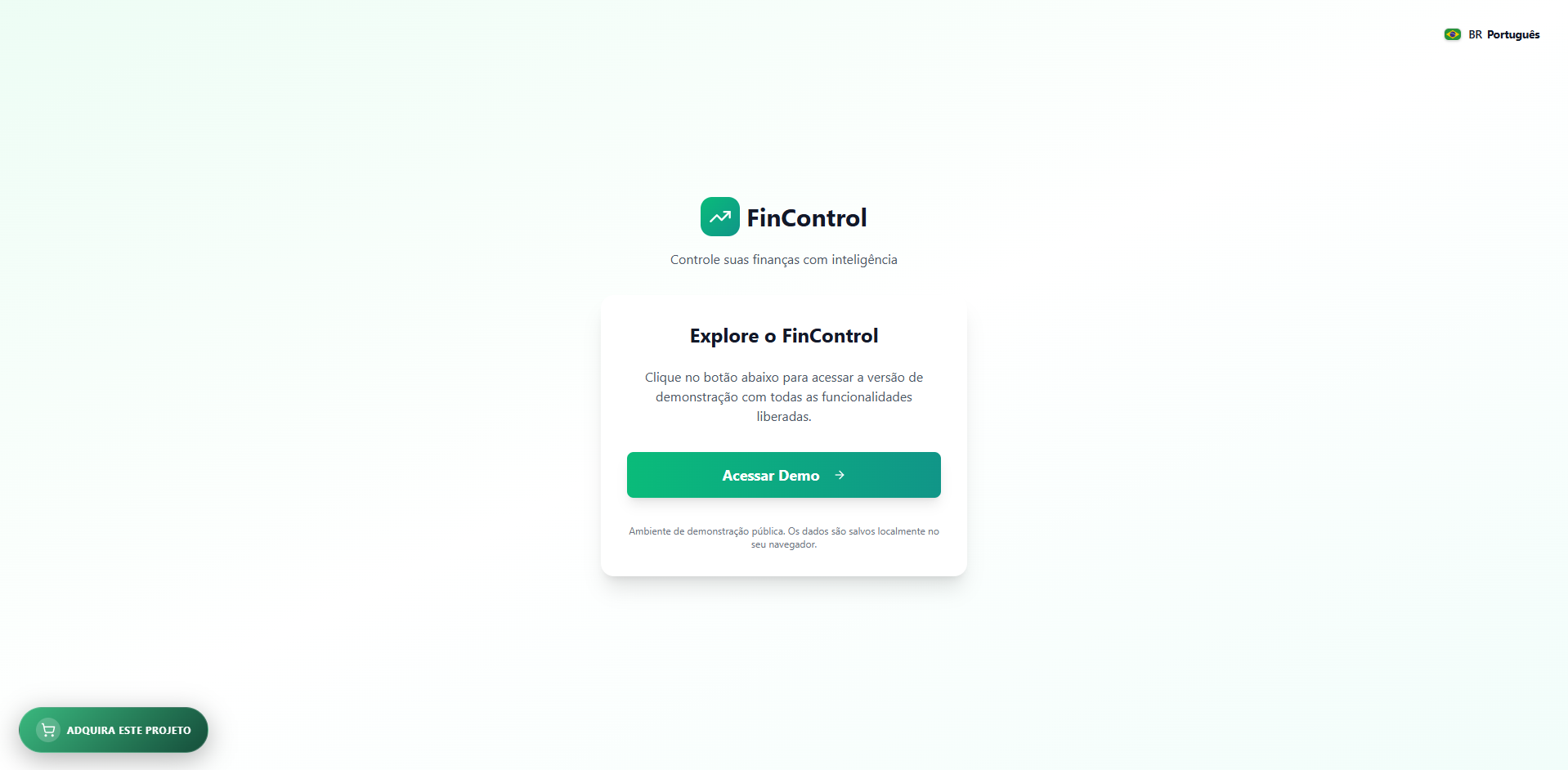
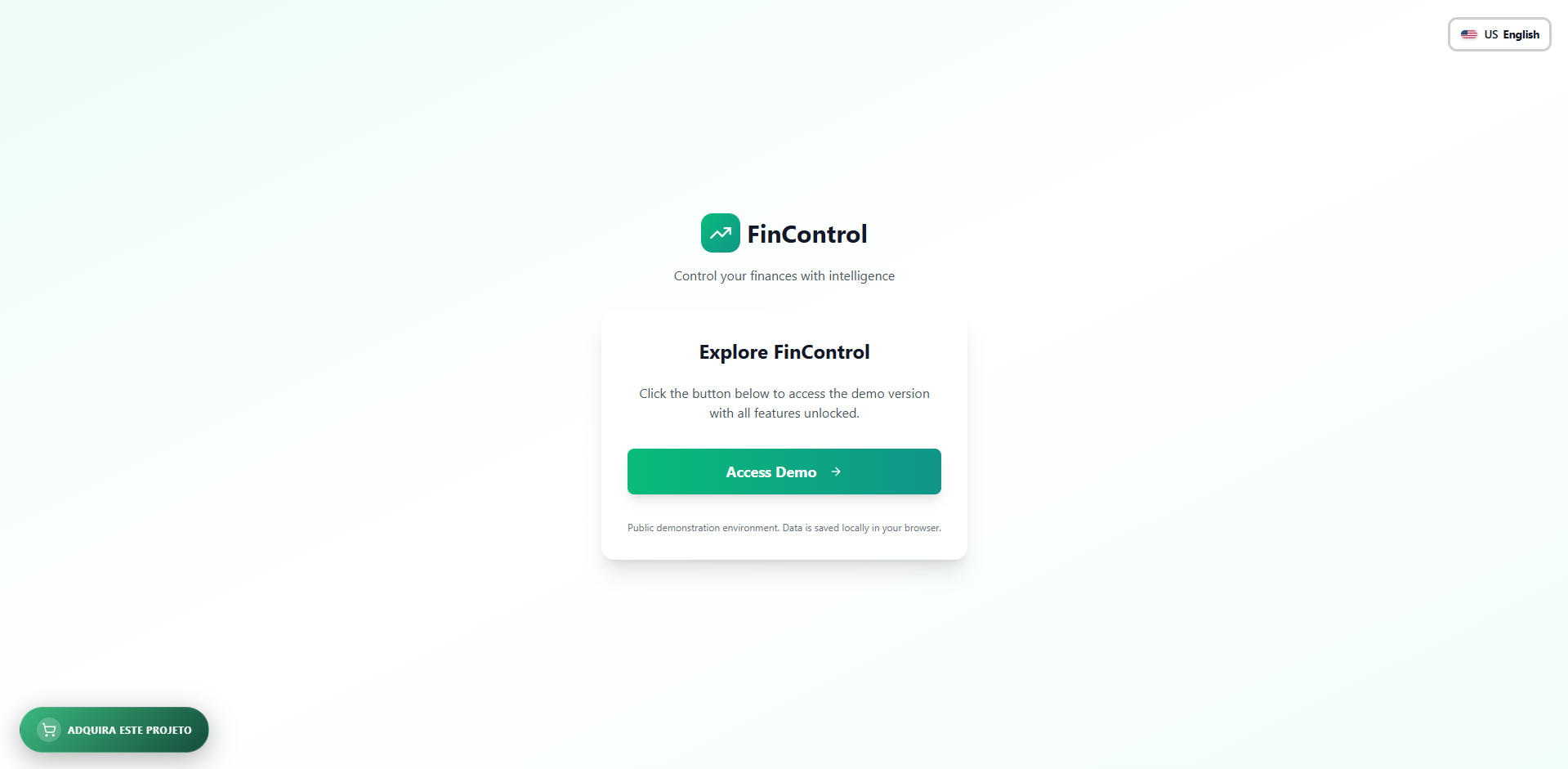
- Premium language switcher: real-time Portuguese (BR), English (US) and Spanish, with flags, product-style dark menu and localStorage persistence aligned with global app state.
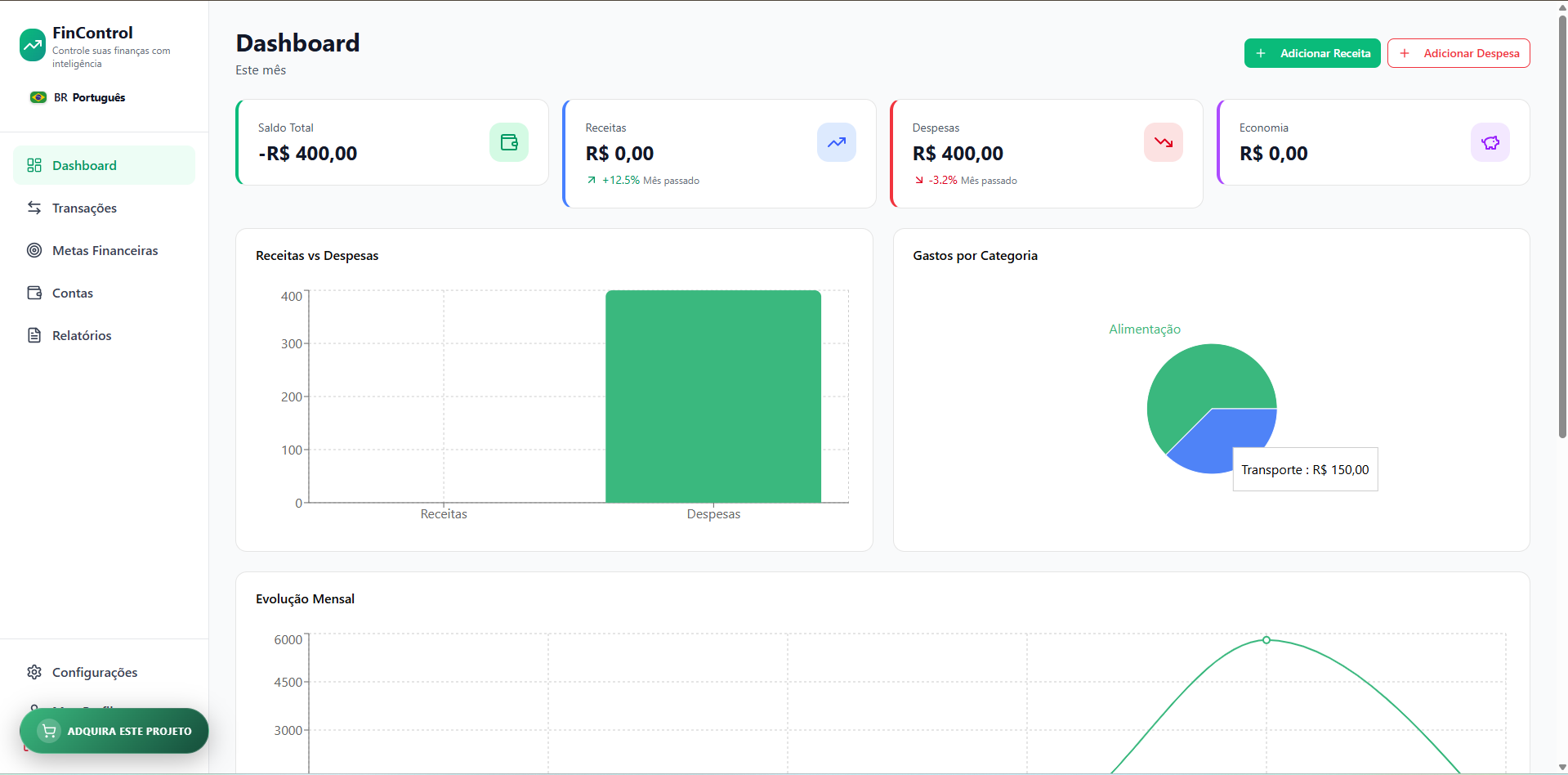
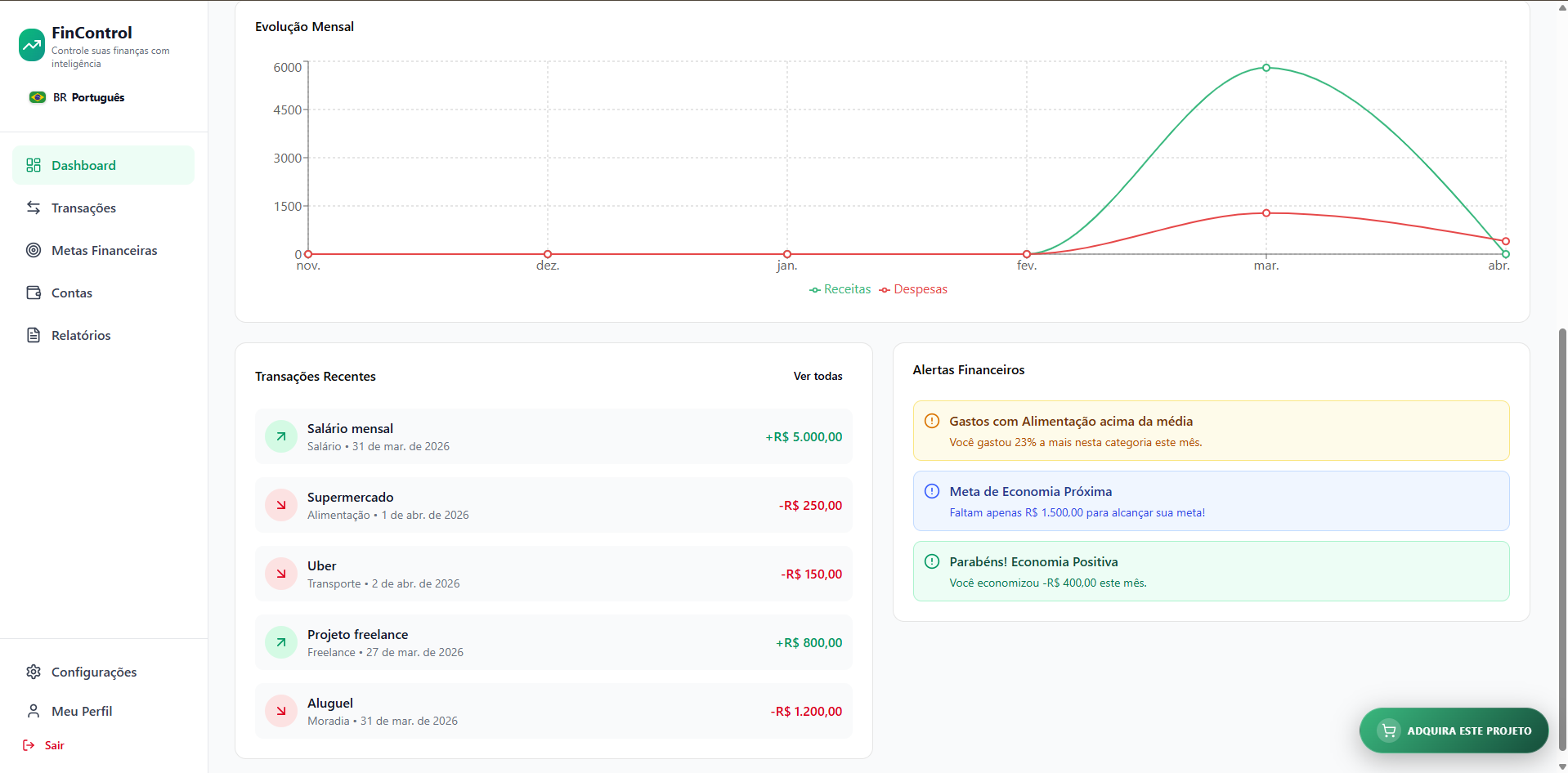
- Analytical visualisation: interactive dashboards ready for inflows, outflows, investments and financial goals.
- Dynamic categorisation: expense management by category (Food, Leisure, Bills, etc.) integrated via Context API.
- Light and dark mode: theme persisted in localStorage, dark class on <html> with an initial script in index.html to prevent wrong-theme flash on load. Users toggle Light/Dark with a dedicated sun/moon control in the sidebar (desktop), top-right on mobile (logged-in area) and on public screens (onboarding, login, sign-up, 404) next to the language selector; Settings keeps explicit Light / Dark buttons. The whole UI uses Tailwind dark: utilities for consistent contrast on cards, navigation, charts and forms.
- Performance: fluid React + Vite interface optimised for daily use.
Reports, advanced filters and professional export
The Reports area is a module ready for audit and delivery to clients or accounting:
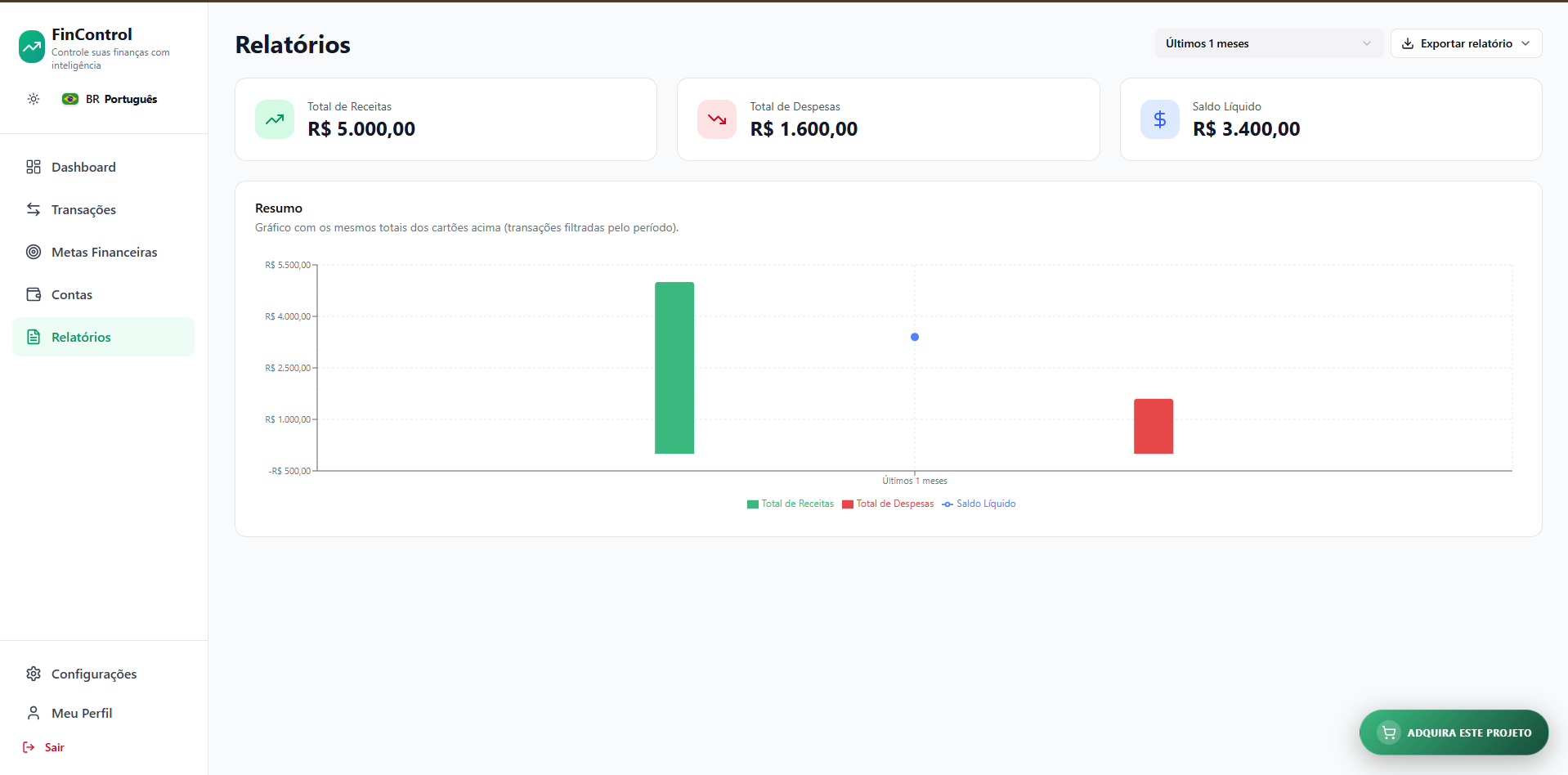
- Granular period filtering: presets for 7, 14, 21 and 28 days; 1–12 months (window from the first day of the start month through today); 1–3 years (rolling window from the current date). Summary cards (income, expenses, net balance), summary chart and exports all respect the selected filter.
- Financial summary chart: bars (income & expenses) plus a balance line fed from the same card totals and real context transactions; Y axis tuned so negative balances read correctly.
- Multi-format export: “Export report” generates CSV (UTF-8 with BOM), Excel (.xlsx) via SheetJS, text (.txt) and PDF (jsPDF + tables), each including a summary header (period, totals, generation date) and transactions for the filtered period - ideal for attachments, archives or importing elsewhere.
Product experience features
Layers that lift FinControl to the level of professional financial platforms:
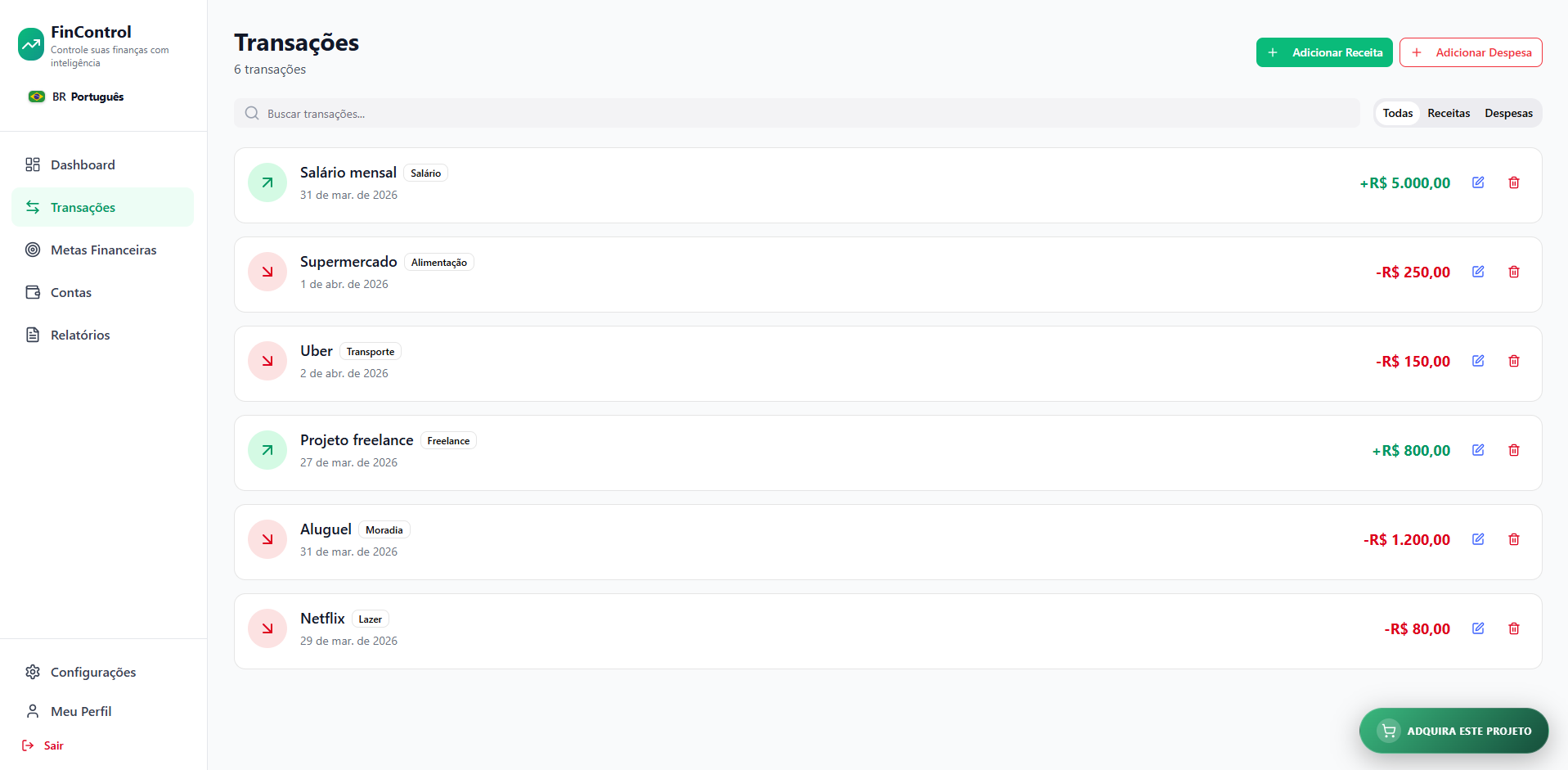
- Financial control panel: visual summary of current balance, monthly spend and spend forecasts; instant updates when adding income/expenses (global state + local persistence).
- History & transactions: filters and detailed movement lists with clear Paid/Pending status.
- Performance reports: consolidated period view, chart aligned with totals and export-ready workflows.
- Budgeting system: interface prepared for per-category spend limits.
- “Acquire this project” CTA: responsive fixed button (desktop & mobile) positioned to avoid clashes with FAB and bottom navigation.
- Banking-ready architecture: designed so mocks can be replaced with real APIs (Plaid / Open Finance).
Value argument (replacement cost)
Compared to building a finance HUB from scratch with a senior team:
- Development cost: a finance HUB with complex state, i18n, multiple dashboards, filterable reports and multi-format export would take a senior team additional weeks beyond a typical MVP.
- Major savings: months of financial logic validation, dashboard design and export flows typical of finance SaaS.
- Positioning: ideal “business architecture” to launch a new MyFinance, Guiabolso-style product or a money tool for freelancers.
- Reference price: R$ 19,990.00 BRL - reflects tech that organises every operation’s most important asset: capital.
Technologies
React 18, Vite, TypeScript, i18next, Context API, Tailwind CSS (including dark: variants), dashboard chart libraries, SheetJS (xlsx) and jsPDF for exports as in the template repository.
Documentation for implementation and white-label
The package includes technical guides in three languages under docs/ - CONFIGURATION.pt-BR.md, CONFIGURATION.en.md and CONFIGURATION.es.md - covering project setup & customisation, notifications (current UI behaviour and how to evolve), Google sign-in/up (explicitly not included in the template code), a step-by-step Firebase Authentication guide, plus MFA/2FA and alternatives (Supabase, custom backend). README and DEVELOPER_GUIDE point to these files, shortening onboarding for the buyer’s engineering team.
Requirements
Node.js and npm versions compatible with the project. Standalone front end - backend and persistence are your choice or available as a separate service.
Image gallery
Buy the source code
Secure payment via Asaas - links are live. Price and checkout follow the site language: Portuguese (BR) → BRL; English → USD; Spanish and French → EUR.
Change the language in the top menu to switch currency and payment link. This is independent of your geographic location.
At Asaas checkout, use a valid email. After payment, we send a secure download link to that address.
License and download
Each purchase allows up to five (5) package downloads; after the limit, the link expires.
Downloads are traceable. Unauthorized resale or sharing of the code or product may lead to civil and criminal consequences under applicable law.
If you have any issue with the download, contact support using the email below.
Support: suporte@foreigntechnologies.com.br
Note: Download is released after payment confirmation. Files include documentation and setup guides. Foreign Technologies provides technical support for the source code; installation in the client's environment is an optional separate service. After download, as this is a digital and customizable product, purchase cancellation or refund requests are not possible.